AI Prompt Generator
Turn a rough goal into a model-ready prompt for ChatGPT, Claude, Gemini, Llama, and other AI assistants.
 AI Prompt Generator
Generate model-ready video prompts for Veo, Runway, Kling, and Seedance with action, camera, timing, and lighting.
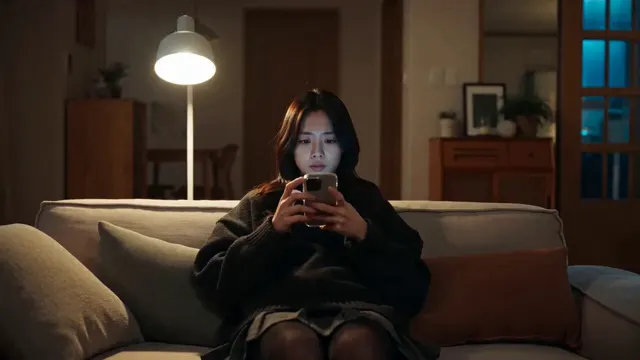
The generator turns a short scene brief into organized direction for the subject, action, setting, camera, timing, light, continuity, and final frame so a video model has more to work from.
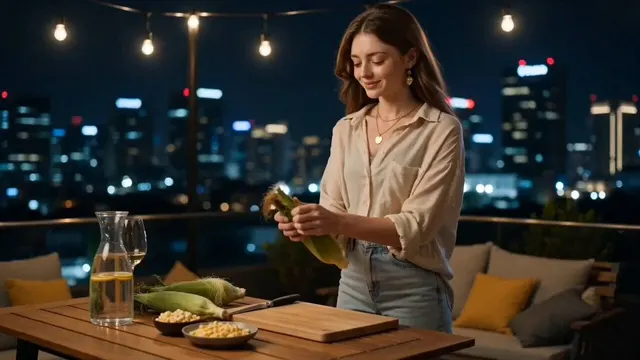
Expands a short idea into a scene with a clear subject, environment, primary movement, visual composition, and details that should remain consistent.
Adds shot size, viewpoint, framing, and movement such as a pan, tilt, push-in, pull-out, or tracking move when those choices help explain the shot.
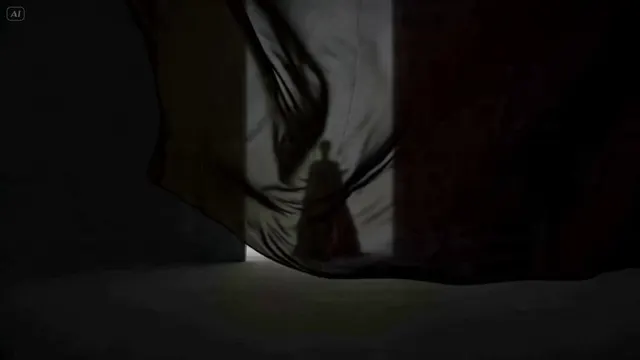
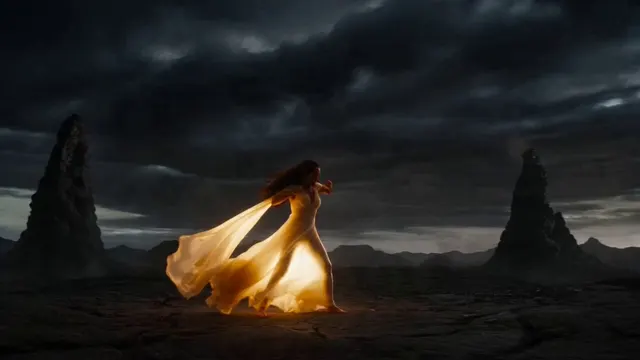
Brings together pacing, key timing cues, lighting, color, mood, transitions, and the intended final frame without hiding the creative direction in vague adjectives.
Creates descriptive prompts you can adapt for Veo, Runway, Kling, Seedance, or another video model, while leaving platform-specific controls for that model's interface.
A clearer motion brief makes it easier to test a scene, compare variations, and revise the parts that affect the finished clip without needing specialist film vocabulary first.
Give the model an ordered shot description so subject motion, camera movement, lighting, and continuity are easier to evaluate in the first render.
You can begin with an everyday description. The generator supplies useful production terms while keeping the idea understandable and editable.
Keep the important shot details together, then change one variable at a time when comparing motion, camera, pacing, or lighting variations.
See how a simple concept becomes explicit direction for action, composition, camera, and timing, and reuse the pattern on your next scene.
Describe the shot, let the generator organize the motion, then adapt the result to the controls of your chosen video model.
Describe the subject, setting, action, mood, and any important camera or format preference in a sentence or two.
The generator structures your idea around action, shot design, camera travel, pacing, light, continuity, and the final frame.
Copy the draft into Veo, Runway, Kling, Seedance, or another model, set its native controls, and refine the details that affect the clip.
Practical guidance on shot details, model compatibility, input length, framing, and refining motion instructions.
Start with a scene idea and leave with a structured motion brief you can review, adapt, and test in your preferred video model.