
AI Image Editor
Describe a change in words to erase objects, recolor details, or swap the scene.
 AI Prompt Generator
Keep the subject, change the setting. Describe a new scene, upload a background picture, or let the AI pick one, and get a natural-looking composite.
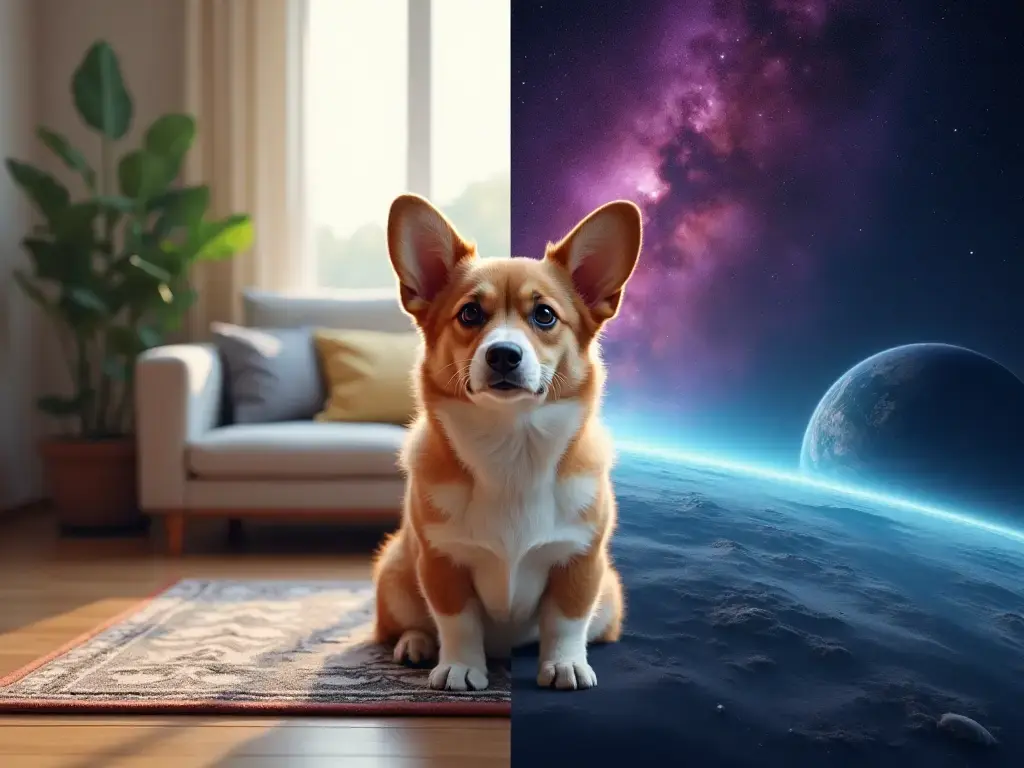
Reuse a photo you already like in a setting that fits the moment.
Show a product on a marble counter, a wooden table, or in a styled room for listings, ads, and social posts.
Move a headshot to a bright office, a city backdrop, or a neutral studio for profiles and personal branding.
Give approved images holiday, summer, or campaign backgrounds without organizing another shoot.
A convincing composite normally means masking, relighting, and painting shadows by hand. The AI does all three together.
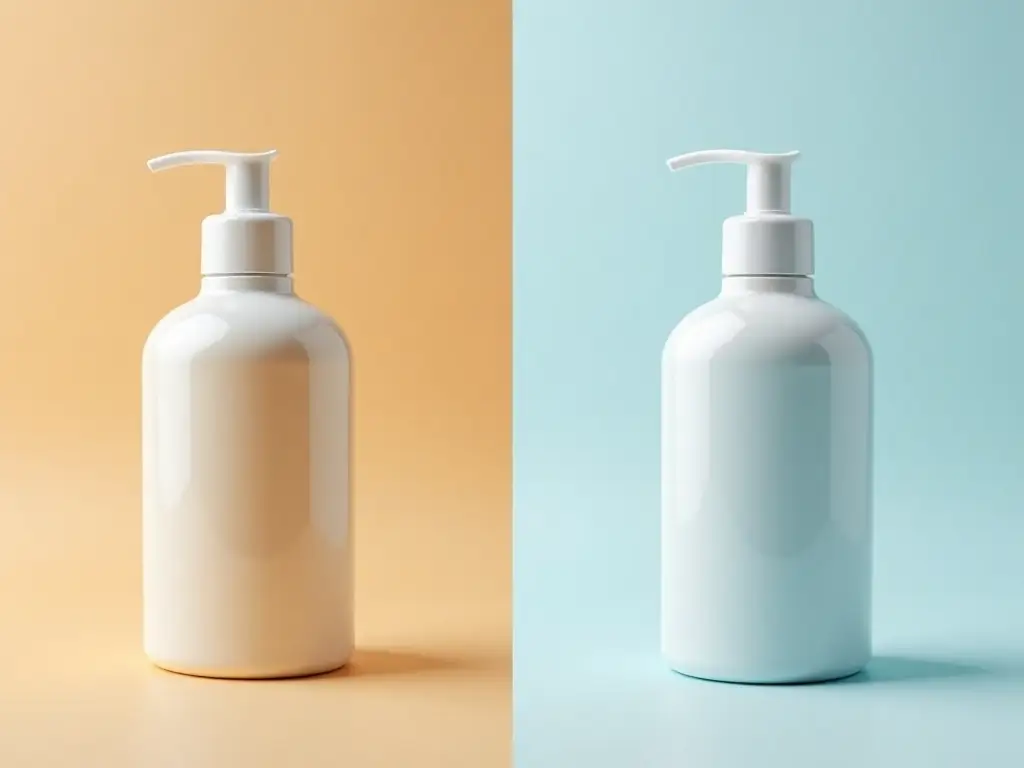
A new setting in three steps
Choose a picture where the person or product is clear and framed the way you want to keep it.
Describe a background, add a background image in the second slot, or leave both empty.
Check that the edges and lighting look right, try another scene if you like, and save your favorite.
Everything needed for background swaps that look believable.
Type something like "sunlit kitchen with a white marble counter" and get it behind your subject.
Upload a background picture and the AI recreates its setting and lighting.
Leave the prompt empty and the AI picks a fitting, realistic background.
The old background is removed completely, without halos or seams around hair and outlines.
The result has the same aspect ratio as your photo, ready for existing layouts.
Upload JPG, PNG, or WebP up to 20 MB and download the new version.
How to set the new scene, what stays the same, and what it costs
Upload a photo, pick or describe a background, and get a natural composite with your subject unchanged.


