
AI Image Editor
Describe a change in words to erase objects, recolor details, or swap the scene.
 AI Prompt Generator
Upload a soft, grainy, or washed-out photo and get a clearer version of the same shot. Detail, noise, and color are fixed together, with nothing added or removed.
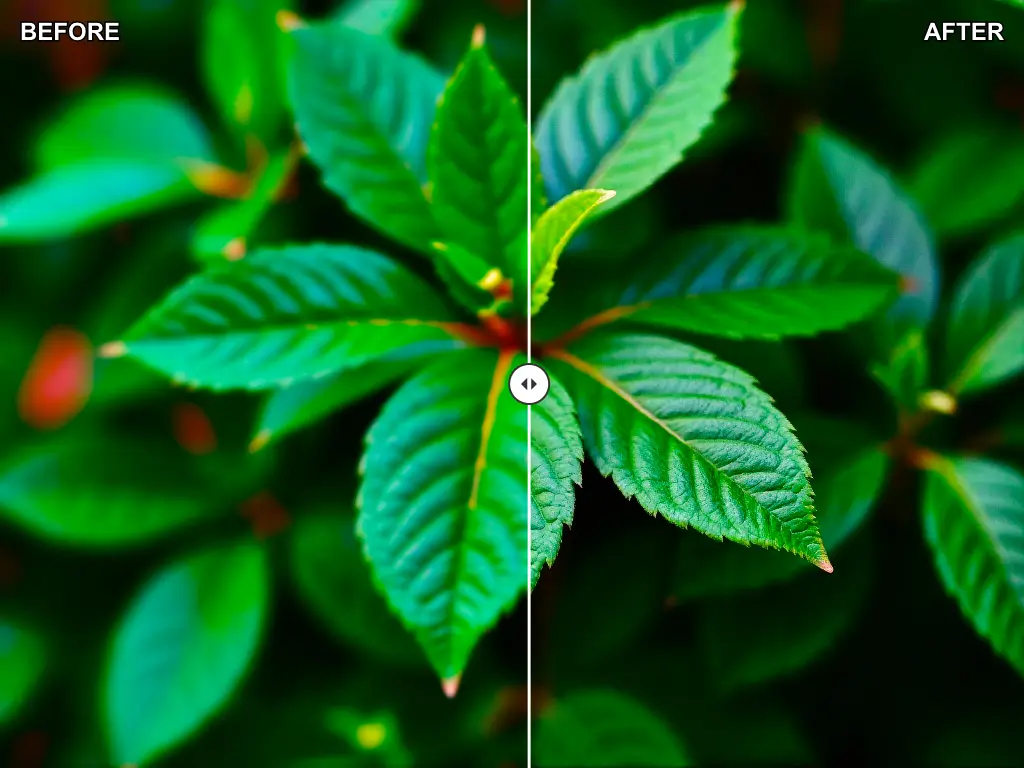
Small technical flaws can spoil an otherwise good photo. These are the ones it repairs.
Bring back crisp edges and texture in shots that are a little out of focus or blurred by movement.
Clear away low-light noise, JPEG blocks, and banding from screenshots and reposted images.
Fix murky exposure, weak contrast, and color casts for a natural look.
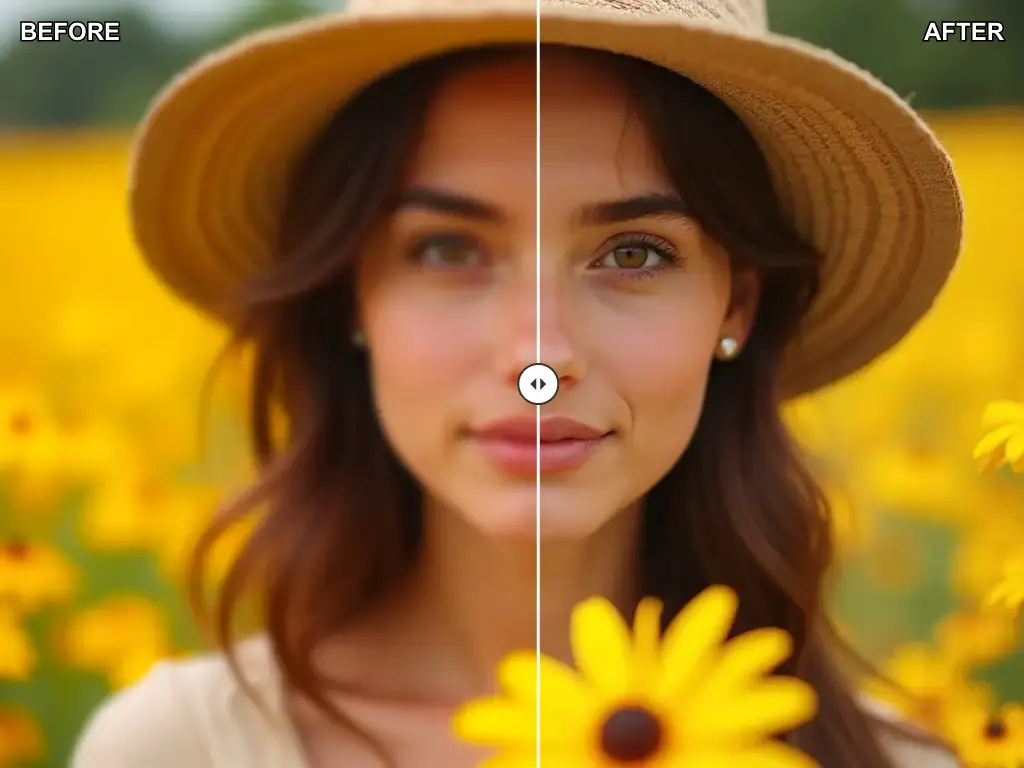
The enhancer repairs image quality without touching what the photo shows.
A cleaner photo in three steps
Use the best copy you have; less compression gives a better result.
Press the button. No prompt is needed: detail, noise, and color are fixed automatically.
Check the result against the original, then download it or send it to AI Image Upscaler.
What you get each time you enhance a photo.
Crisper edges and finer texture without the halos of ordinary sharpening.
Grain, blur, JPEG blocks, and banding are reduced in the same pass.
Exposure, contrast, and white balance are balanced for a true-to-life look.
Faces, expressions, and skin texture stay true to the original.
Enhance first, then enlarge to 2K or 4K with AI Image Upscaler if you need a bigger file.
Upload JPG, PNG, or WebP up to 20 MB and download the result in the same proportions.
What the enhancer fixes, what it leaves alone, and what it costs
Upload the photo and get a sharper, cleaner version of the same shot in one click.


