
AI Image Editor
Describe a change in words to erase objects, recolor details, or swap the scene.
 AI Prompt Generator
Drop in a photo and press one button. The AI lifts out the subject and sets it on a pure white background, ready for listings, profiles, and layouts.
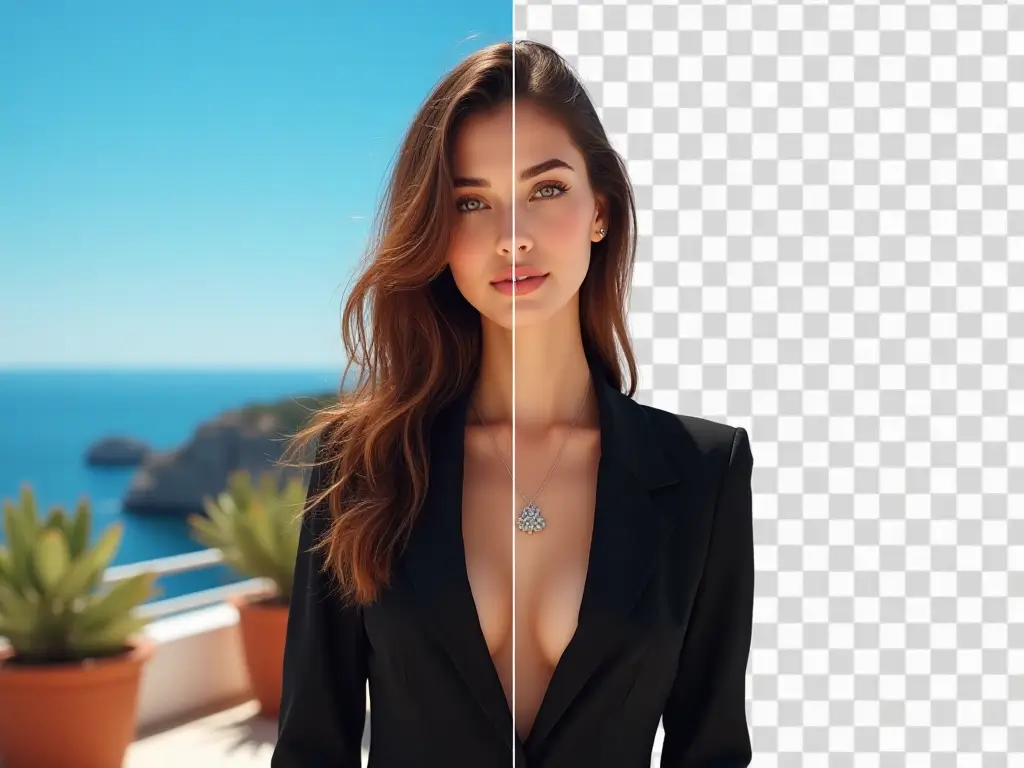
A clean subject on white is one of the most reused assets in ecommerce and design.
Meet the plain white background many stores and marketplaces ask for on primary product photos.
Replace a cluttered office or street behind a portrait for profiles, team pages, and resumes.
Get isolated people, pets, and objects you can drop into banners, slides, and social posts.
Tracing edges by hand is slow, especially around hair. The AI makes the selection for you in a single run.
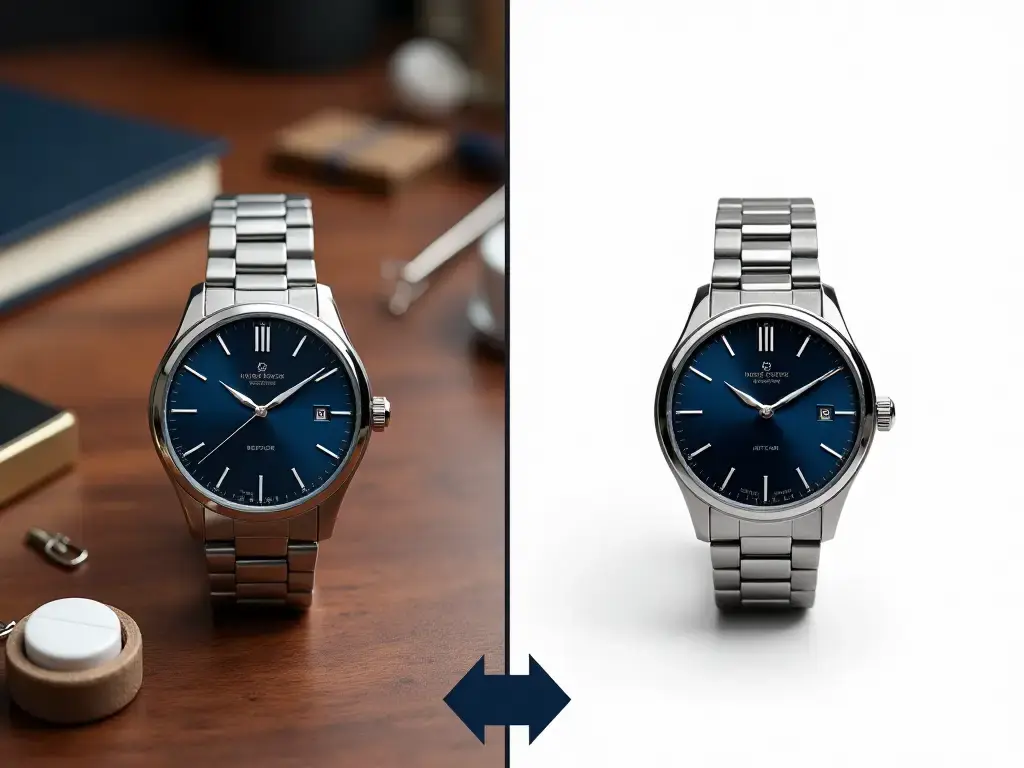
Get a white-background cutout in three steps
Pick an image where the subject is fully visible. Strong contrast with the background gives the crispest outline.
Press the button. The AI isolates the subject and fills the background with pure white, no prompt required.
Zoom in on hair and edges, then download the image or continue in another tool.
Everything needed for fast, clean cutouts.
The AI detects the main person, product, or animal and clears everything behind it.
A uniform white background with no shadow, texture, or checkerboard pattern.
Colors, textures, and shapes are kept exactly as in your original photo.
The output matches the original aspect ratio, so it slots into existing layouts.
Move the photo to AI Background Changer for a new scene or to AI Image Enhancer for extra clarity.
Upload JPG, PNG, or WebP up to 20 MB and download the white-background image.
What the output looks like, how edges are handled, and what it costs
Upload any photo and the AI removes the background for you in a single click.


