
AI Image Generator
Describe the look you need or add a reference, then shape a new visual with GPT Image 2.5, Nano Banana 2, Nano Banana Pro, or Z-Image.
 AI Prompt Generator
Pair your photo with a reference picture and a short instruction. The AI borrows the look of the reference and rebuilds your image in that style, with the same layout and subject.
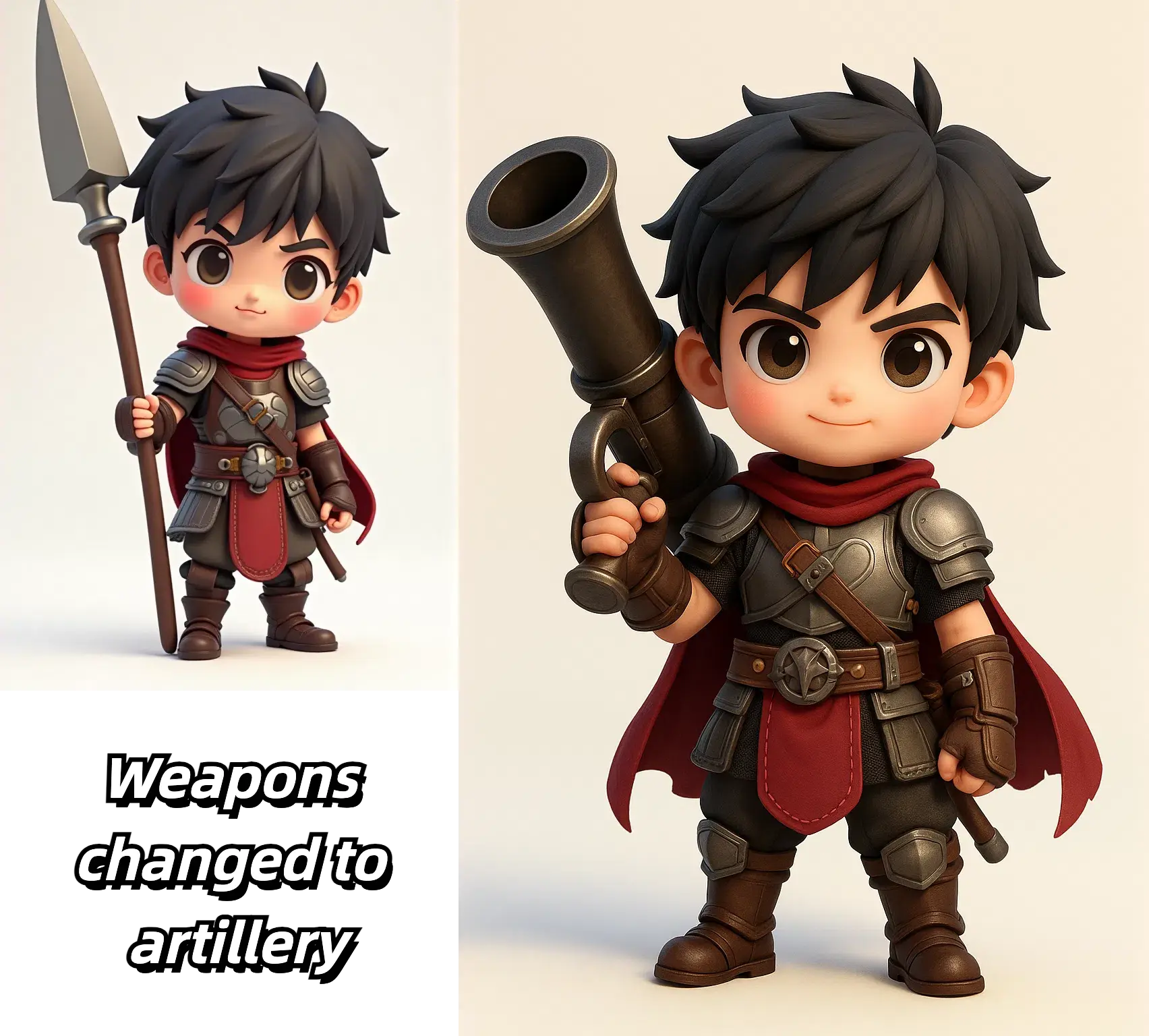
Keep the structure of one photo and the look of another. These are the jobs people use it for most.
Give a portrait, pet photo, or travel shot the look of a watercolor, comic panel, oil painting, or clay render by supplying an example of that style.
Match the palette of a film still, the finish of a product sample, or the lighting of a mood board while your own subject stays in place.
Start from one approved photo and produce several styled versions for ads, thumbnails, and social posts without a new shoot.
Style is hard to put into words. A reference image communicates texture, color, and mood directly, so you spend less time rewriting prompts.
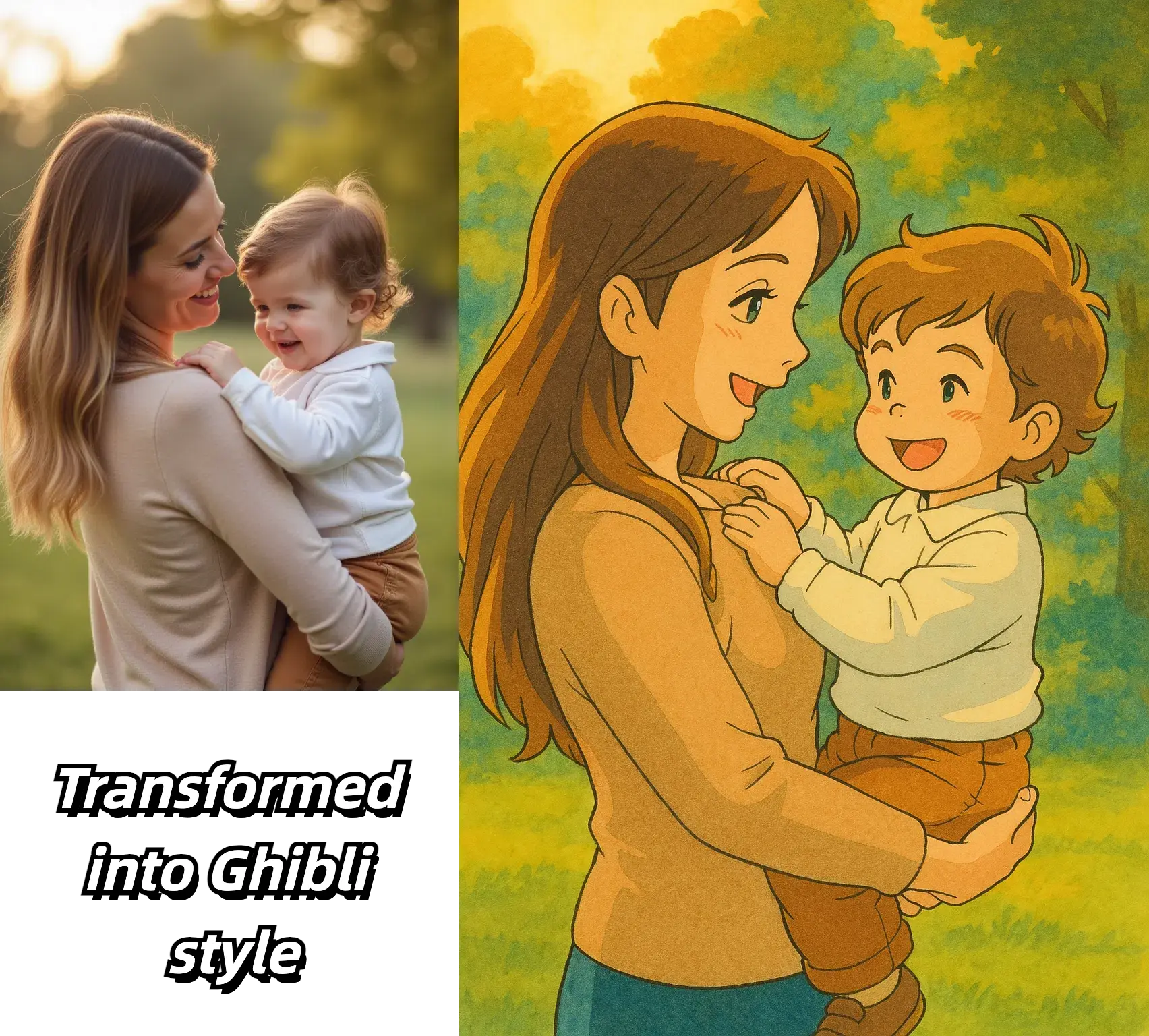
Three steps from two uploads to a finished image
Put the photo you want to transform in the Source slot and the picture whose look you like in the Reference slot.
Write a short instruction such as "apply the neon palette of the reference, keep the car and the street", then choose a model, aspect ratio, and resolution.
Compare the result with your source, adjust the wording if something drifted, and download the version you want.
A focused workspace for reference-guided restyling, with the controls you need and nothing extra.
One slot for the photo to keep, one for the reference to learn from. The AI treats them differently on every run.
Point the AI at the style, colors, materials, or atmosphere you want, and list anything that must not change.
Switch between GPT Image and Nano Banana models and set the aspect ratio and resolution before generating.
Re-run the same image pair or change one word of the prompt to compare a few directions.
Polish the result in AI Image Editor, clean it up with AI Image Enhancer, or enlarge it with AI Image Upscaler.
Upload JPG, PNG, or WebP files up to 20 MB and download the finished image.
How the two-image workflow works, what to write, and what each run costs
Add a source photo and a reference, describe the style in a sentence, and get a restyled image that still looks like yours.


