
AI Image Generator
Describe the look you need or add a reference, then shape a new visual with GPT Image 2.5, Nano Banana 2, Nano Banana Pro, or Z-Image.
 AI Prompt Generator
Start from a sentence or from a photo you already have. Generate a new image, change its style or details, put the subject on white or in a new scene, then clean it up and enlarge it before you download.
Pick a tool by task: create from text, change a photo, fix the background, or finish the file.
Describe the look you need or add a reference, then shape a new visual with GPT Image 2.5, Nano Banana 2, Nano Banana Pro, or Z-Image.

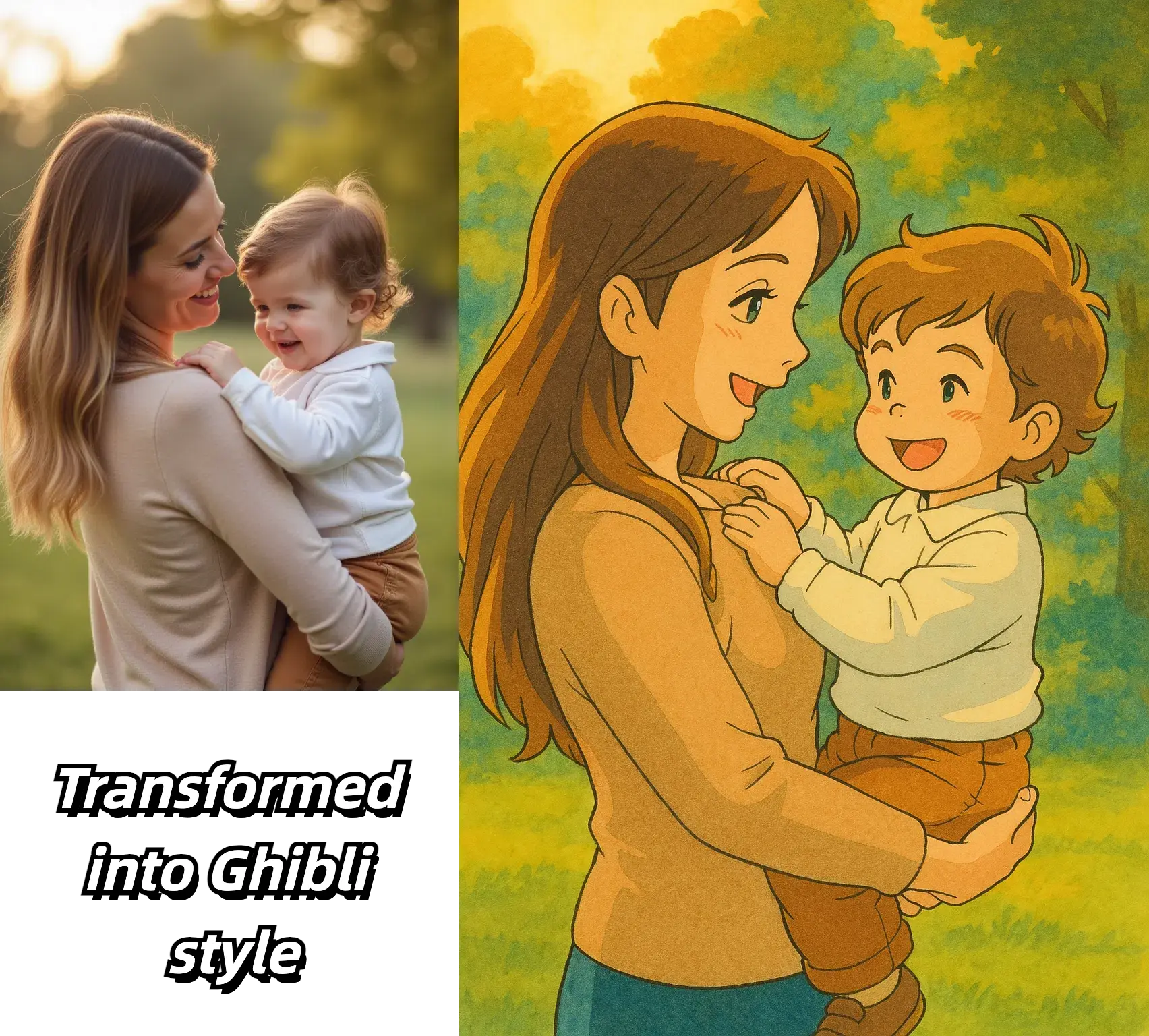
Restyle your photo after a reference picture while its layout and subject stay put.

Describe a change in words to erase objects, recolor details, or swap the scene.

Cut out people, products, and pets and set them on pure white in one click.

Move your subject into a described or uploaded scene with matched light and shadows.

Sharpen soft shots, clear noise and artifacts, and balance color without changing content.

Enlarge small images to 2K or 4K with rebuilt detail and legible text and logos.

Turn the writing in a screenshot, photo, scan, receipt, or slide into editable text with an AI-assisted OCR workflow.
Every tool on this page belongs to one of three stages. Knowing which stage you are in tells you which tool to open.
When all you have is an idea, the AI Image Generator turns a written description into a fresh picture for posts, mockups, or concept boards.
When the composition works, restyle it with a reference, edit one detail with a sentence, or replace what is behind the subject.
Once the image is approved, sharpen soft detail, enlarge it to 2K or 4K, or pull its text out as editable copy.
Work out what you are starting with, make the big change first, and leave the finishing touches for last.
No image yet? Open the AI Image Generator. Already have a photo? Use Image to Image AI for a new style or AI Image Editor for one specific change.
Get the content right first: the style, the edited detail, or the new background. Run it again until the picture shows what you need.
Only when you are happy with the content, run AI Image Enhancer or AI Image Upscaler so the final file is clean and large enough.
Six capabilities that together take a picture from first draft to finished file.
Describe a scene, product shot, or illustration, then choose a model, aspect ratio, and resolution to generate it.
Keep the layout of your photo while borrowing the look, palette, or materials of a second image.
Remove objects, recolor details, or change the weather by describing the edit, with no masks or layers.
Put a subject on pure white for listings, or place it in a described or uploaded scene with matching light.
Reduce noise and blur, then upscale to 2K or 4K for print, online stores, and large screens.
Image to Text reads screenshots, scans, and photos and returns the words as editable text you can copy.
Which tool to open, what you can upload, and how to end up with a clean final file
Generate a new picture from text, or start from a photo and change exactly what needs changing.